PULSE ·
DASHES ·
CODE ·
Home/Pulse/Dashes
- DL-PULSE-1 / DASHES

DASHES.Custom clusters and widgets for Pulse · Free · Installed with a code

A dash is a custom instrument cluster, or a single widget for the dash grid. It runs in Pulse and on the Dynam Labs MCU (coming soon). Build one with your AI agent, or install one with its eight-character code.

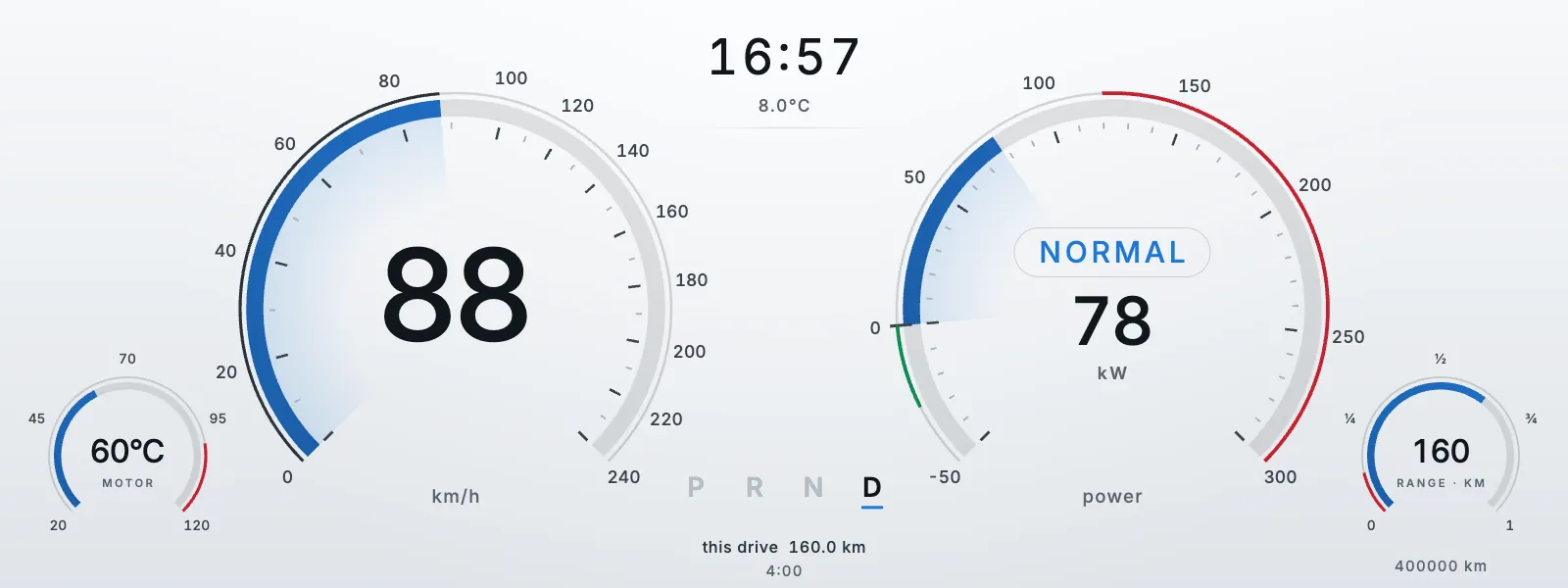
Arc EV dash in its day look: blue speed and power arcs on a white ground
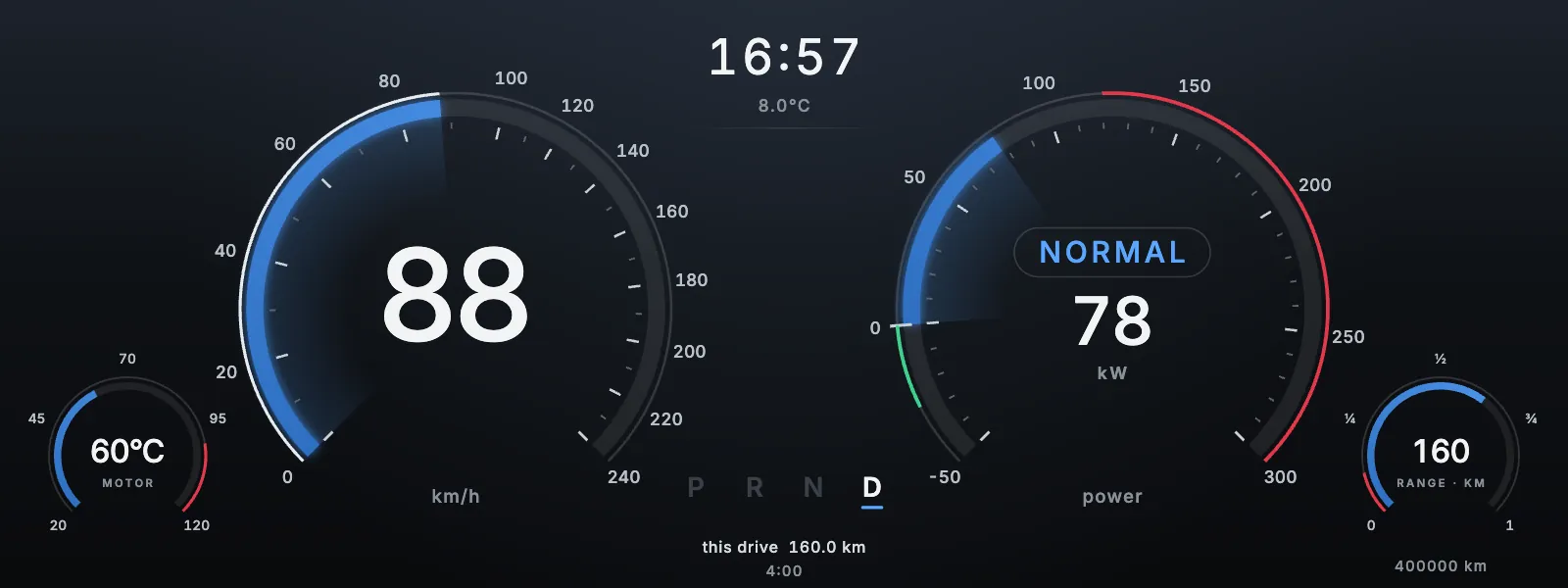
Arc EV dash in its night look: the same arcs on a dark ground
DayNight
FIG. 01 · ARC EVDRAG TO COMPARE
CLUSTERS · WIDGETS◆DAY + NIGHT◆WIDE · ROUND◆ONE PAGE OR SEVERAL◆FOLLOWS YOUR UNITS◆FREE◆EIGHT-CHARACTER CODE◆BUILT IN PULSE STUDIO◆CLUSTERS · WIDGETS◆DAY + NIGHT◆WIDE · ROUND◆ONE PAGE OR SEVERAL◆FOLLOWS YOUR UNITS◆FREE◆EIGHT-CHARACTER CODE◆BUILT IN PULSE STUDIO◆
/ 01
- Public dashes

Public dashes.

Dynam and its partners publish these. To install one, open Settings → Dash → Get a dash in the car or in Pulse, and enter its code.
- ClusterV1.4

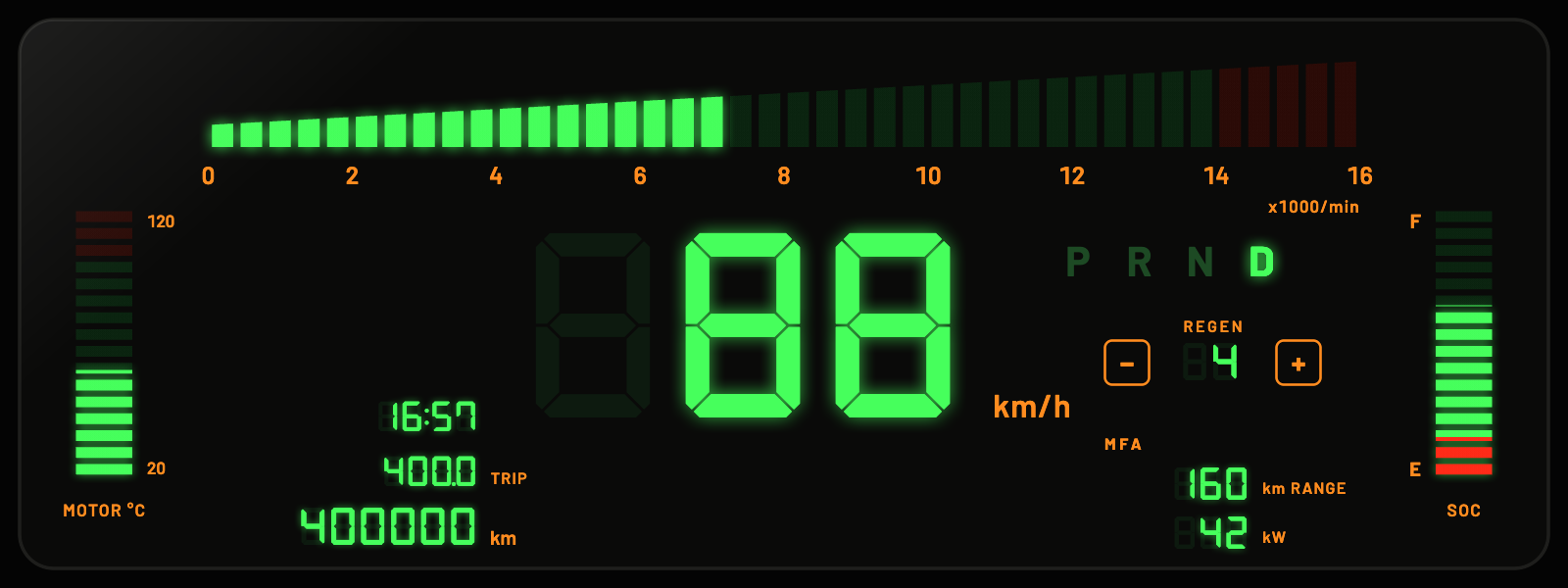
DeLorean

by Dynam Labs
Code
N8H3-MVVV
Settings → Dash → Get a dashDetails
- ClusterV1.3

Teslarossa

by Dynam Labs
Code
XASW-NGDQ
Settings → Dash → Get a dashDetails
- ClusterV1.0

Orbit EV

by Dynam Labs
Code
2EYS-3PRF
Settings → Dash → Get a dashDetails
- ClusterV1.3

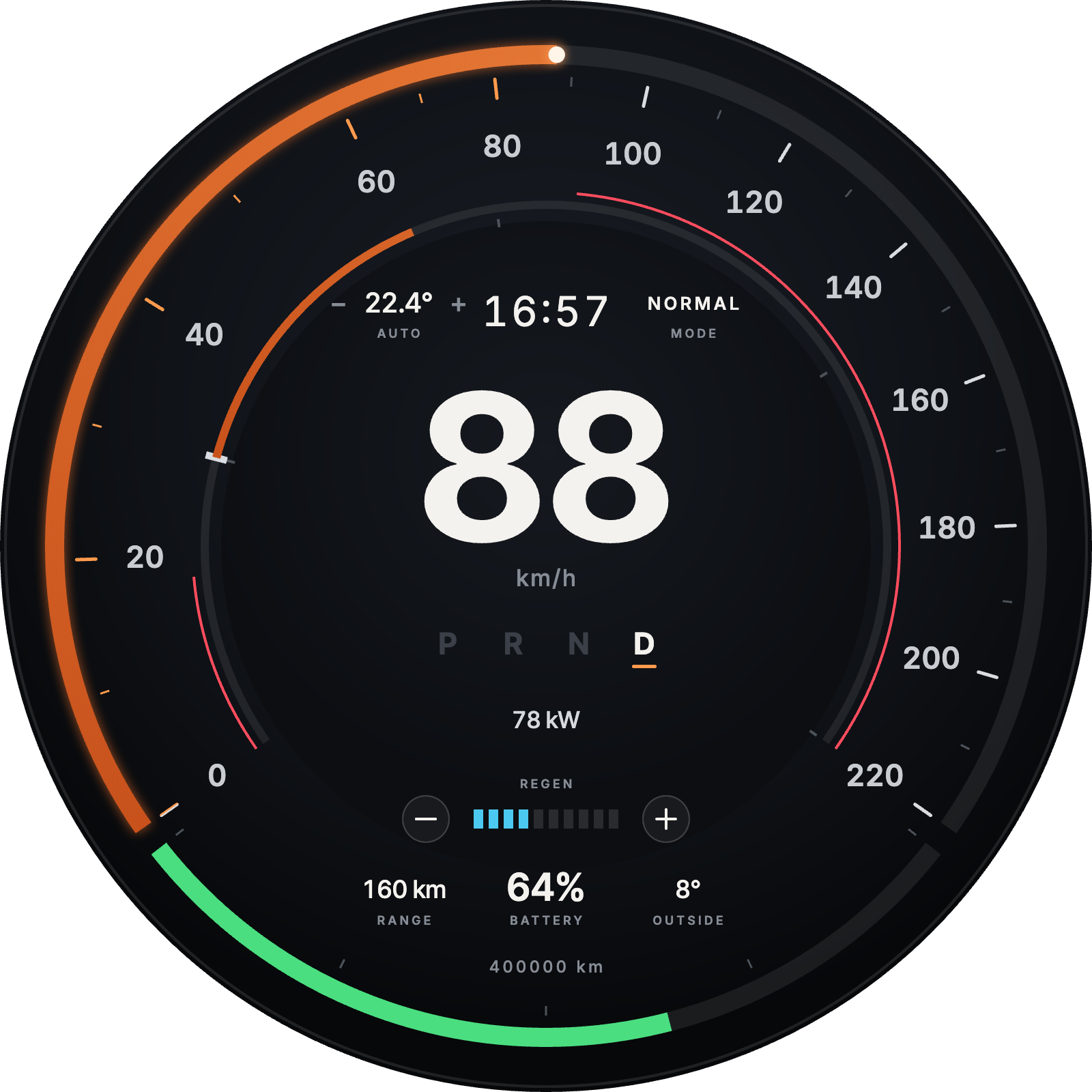
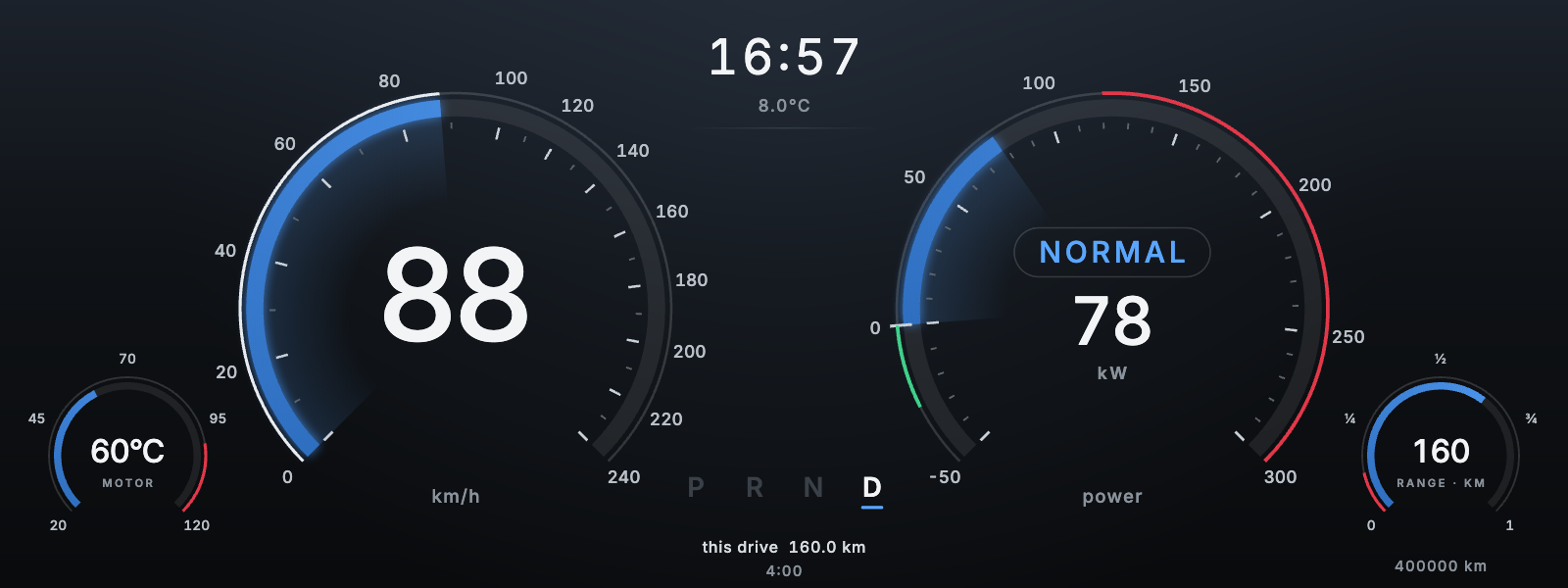
Arc EV

by Dynam Labs
Code
EXTS-64DN
Settings → Dash → Get a dashDetails
/ 02
- What a dash is

Drawn to match the car.

There is no kit of stock gauges. The agent draws every dial, warning lamp and gear selector, so a dash can follow the original instruments of the car it is for.
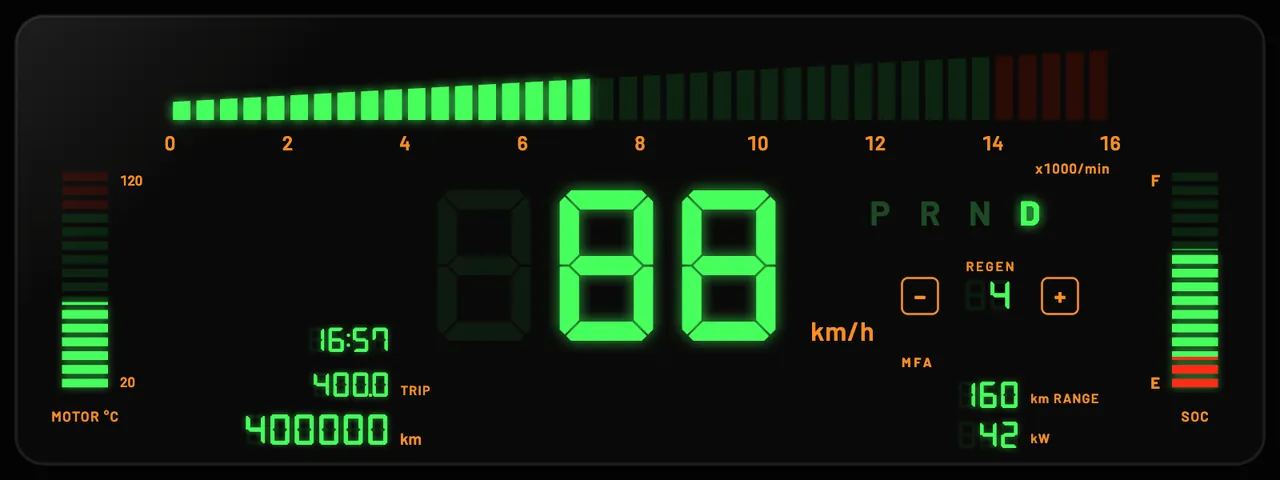
- D1 / Day + night
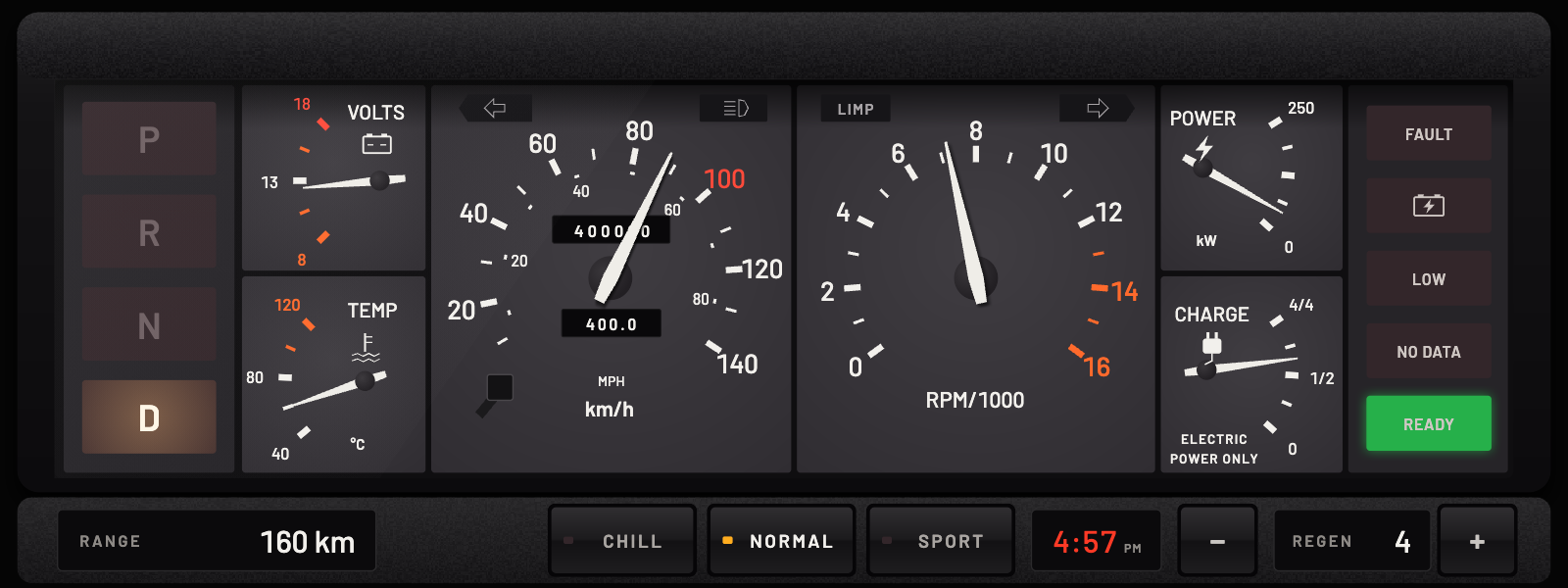
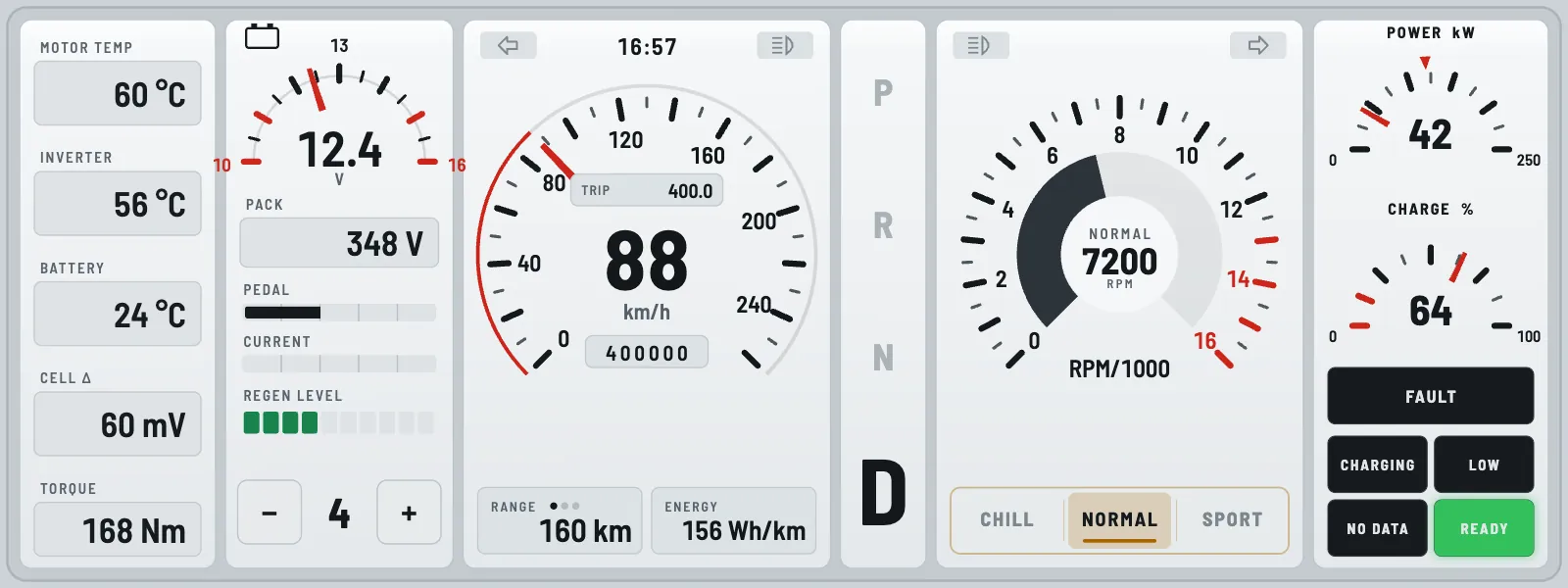
DeLorean Digital dash in its day look, light gauge cells
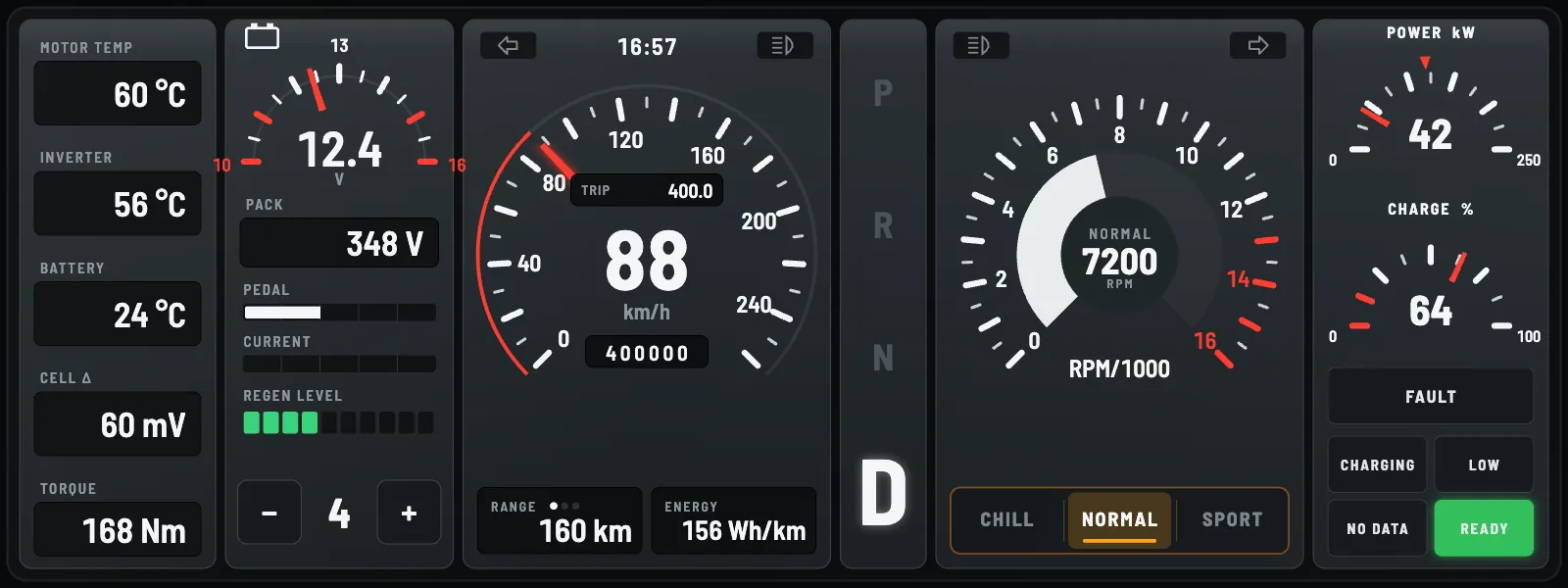
DeLorean Digital dash in its night look, dark gauge cells
DayNight

A day look and a night look.

The app switches between them with the driver's appearance setting. This is DeLorean Digital. Drag the line to compare.
- D2 / In short
KIND
A whole cluster, or a widget for the dash grid
PAGES
One or several. Swipe between them
LOOKS
A day look and a night look
UNITS
Follows the driver's unit settings
DISPLAYS
Wide or round
PRICE
Free
- D3 / Pages
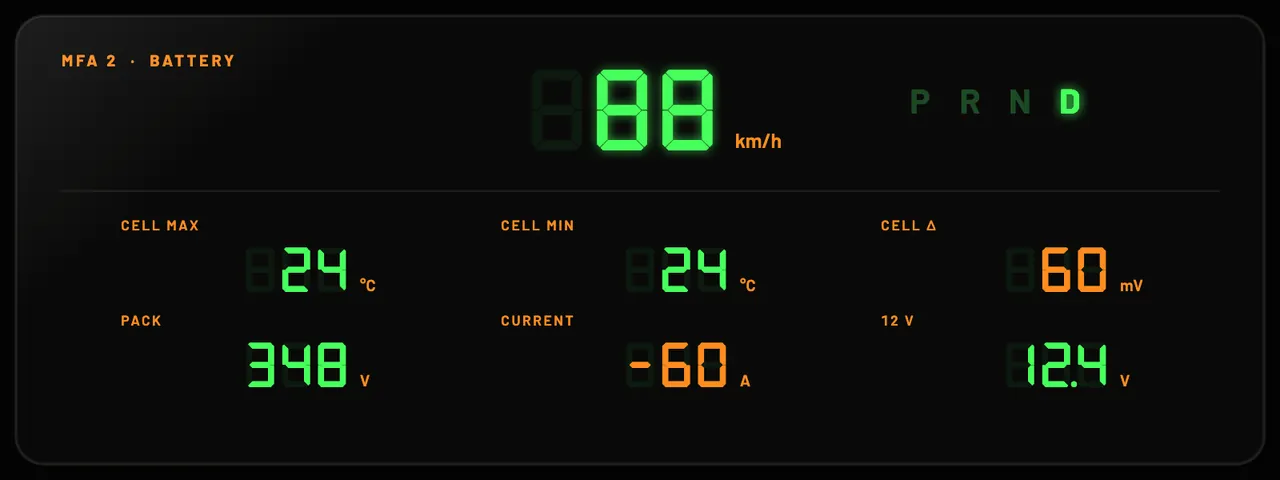
Golf 2 Digifiz dash, first page: a segmented bar across the top and a large digital speedGolf 2 Digifiz dash, second page: battery readouts under a smaller speed

Up to eight pages.

You swipe between them, like the stock cluster. Speed stays on every page. These are the first two of Golf 2 Digifiz.
- D4 / Round
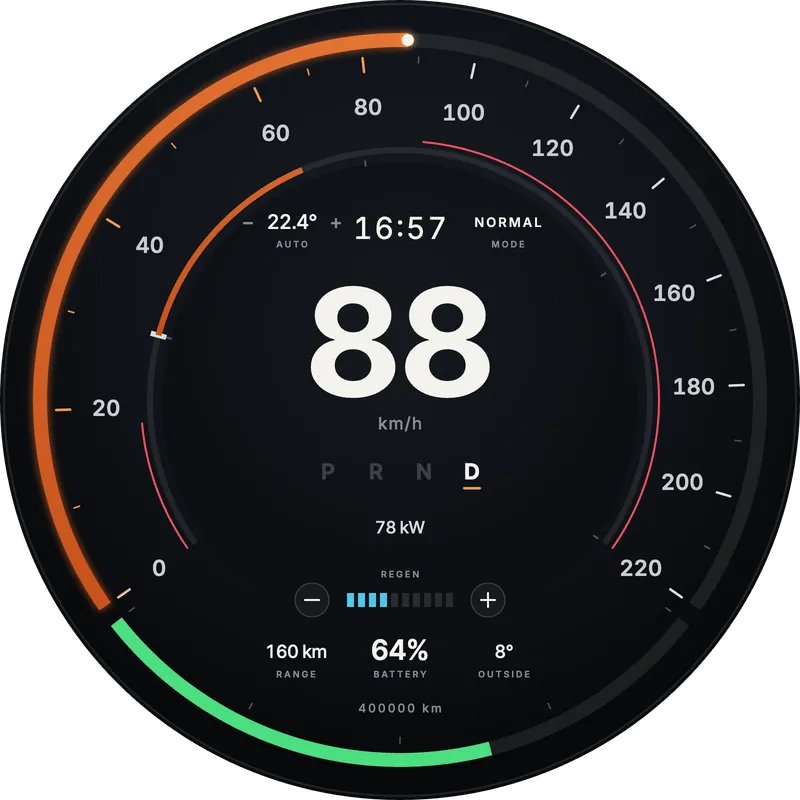
Orbit EV dash on a round display: a speed ring around the rim and a large digital speed
Orbit EV

Wide or round displays.

A dash is laid out for the screen it runs on. Orbit EV is made for a round display.
/ 03
- Showcase

What a dash can look like.

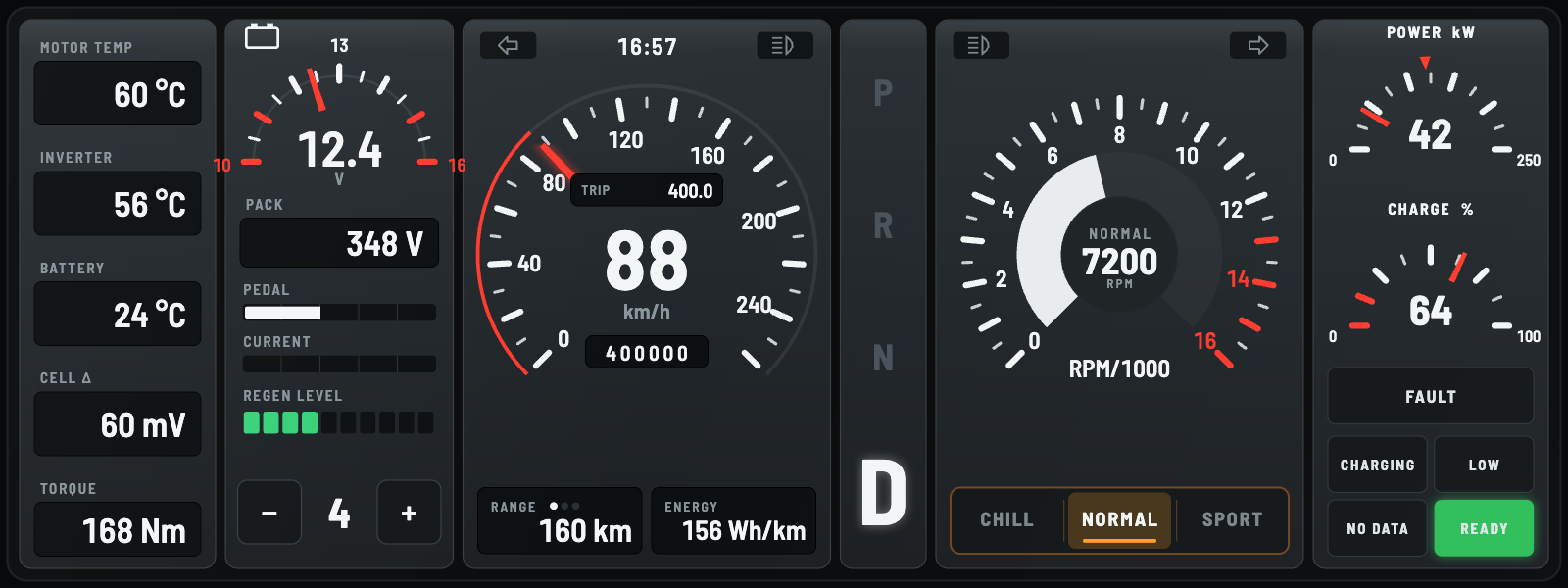
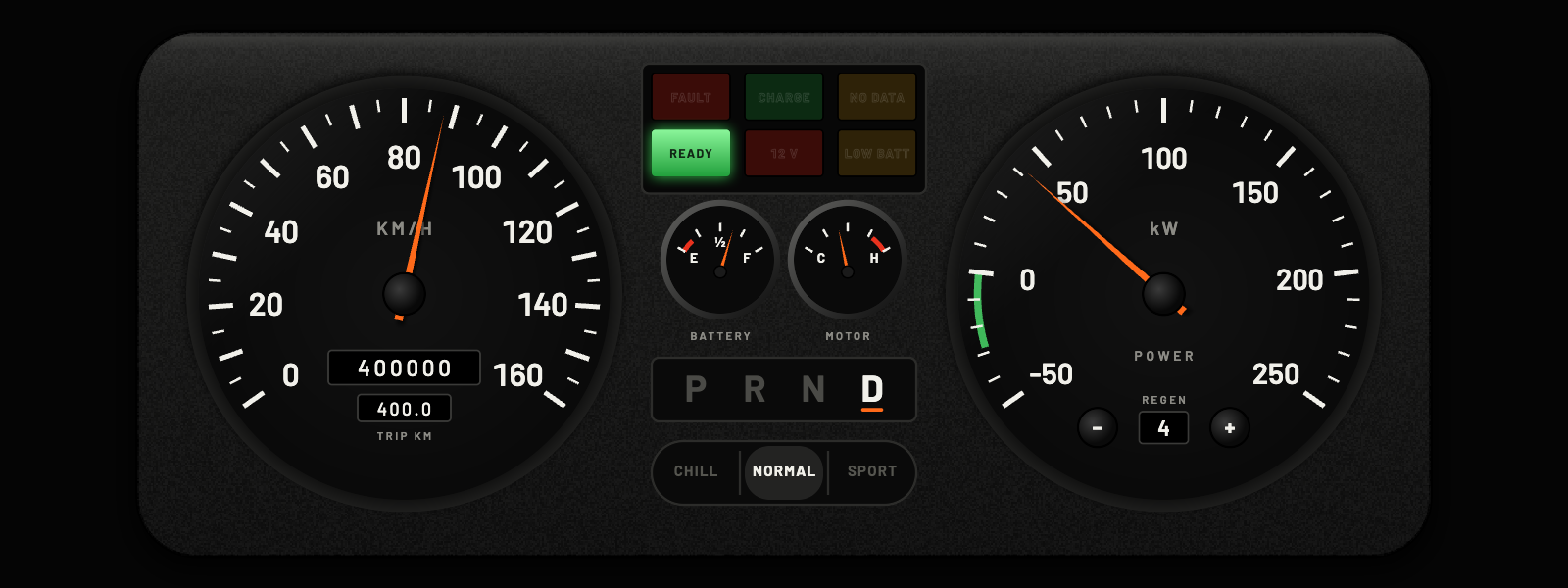
An agent drew these in Pulse Studio. These are screenshots from the same software that draws the dash in the car.
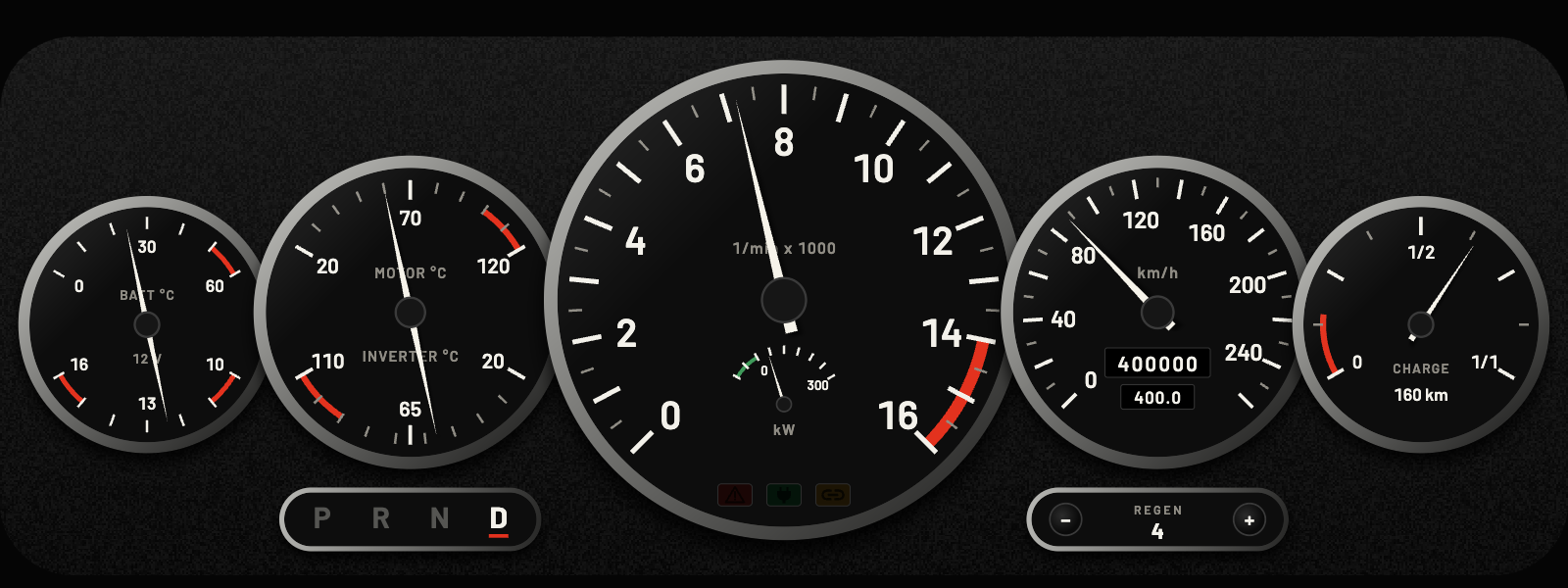
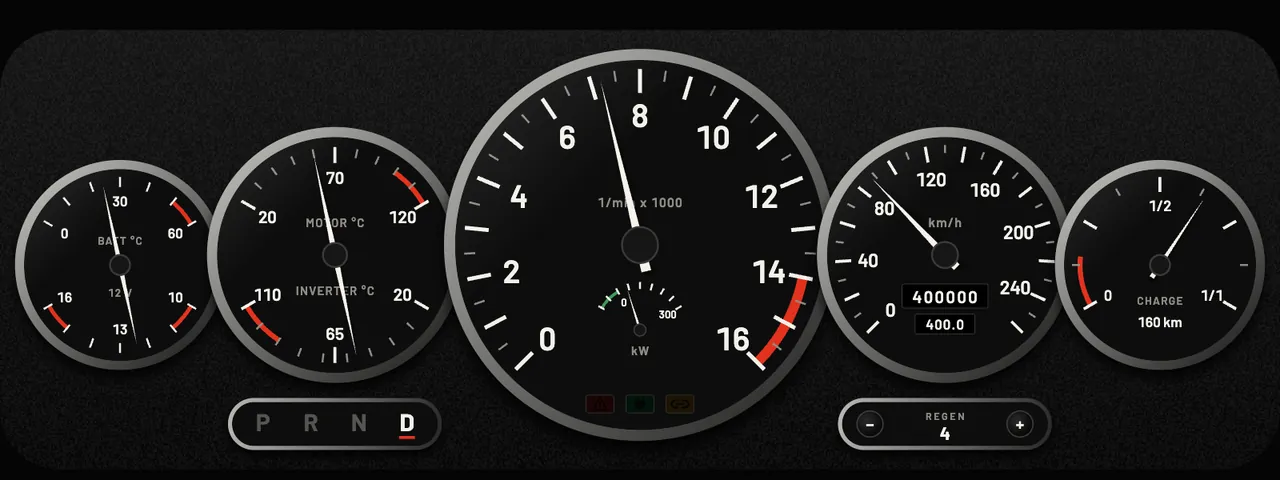
930 Turbo Five-Dial dash: five round black dials with a large centre gauge
- 930 Turbo Five-DialCLUSTER · 2 PAGES
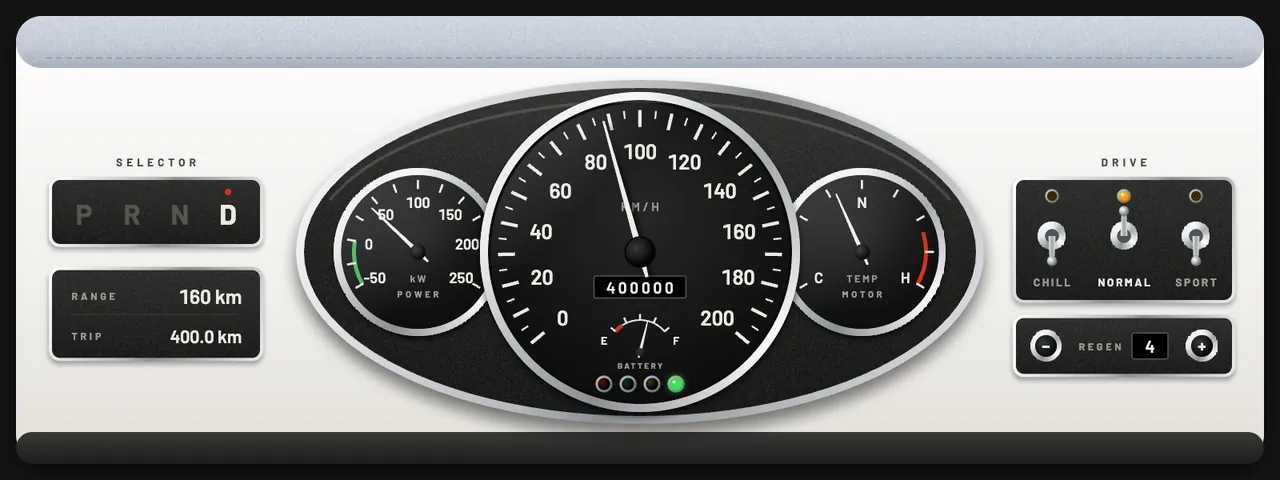
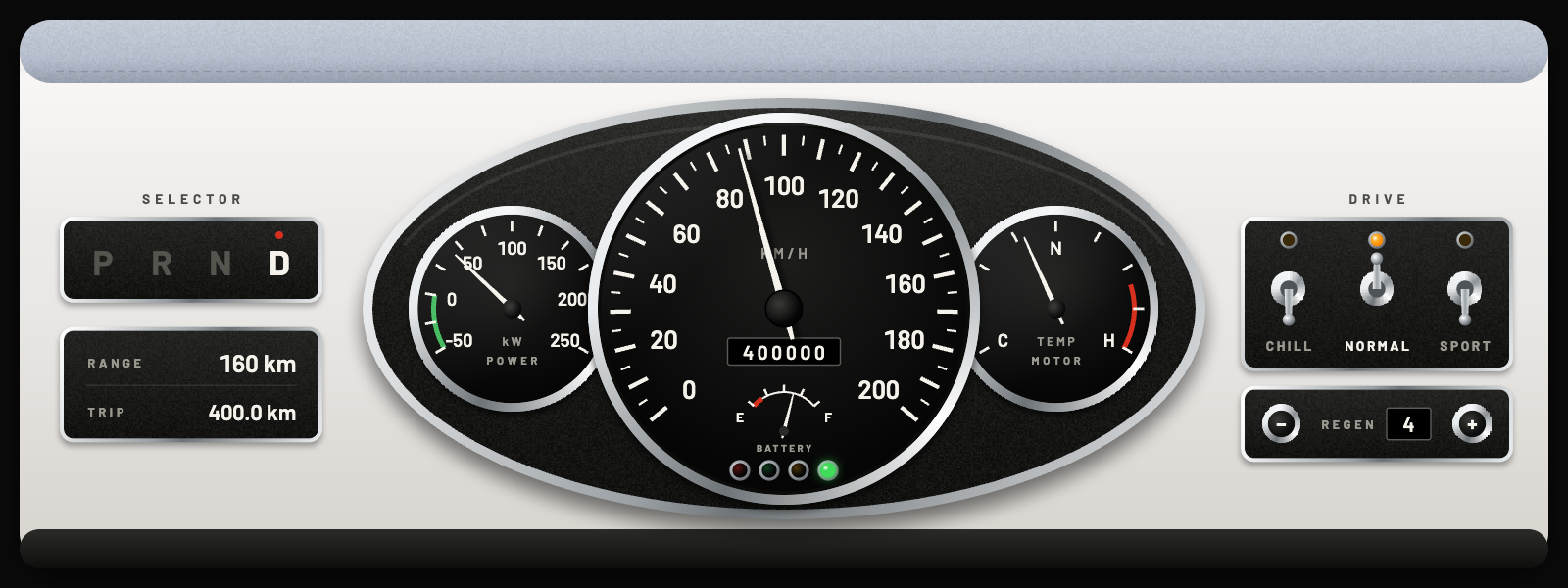
Classic Mini dash: an oval three-dial binnacle on a cream panel with toggle switches
- Classic MiniCLUSTER · 2 PAGES
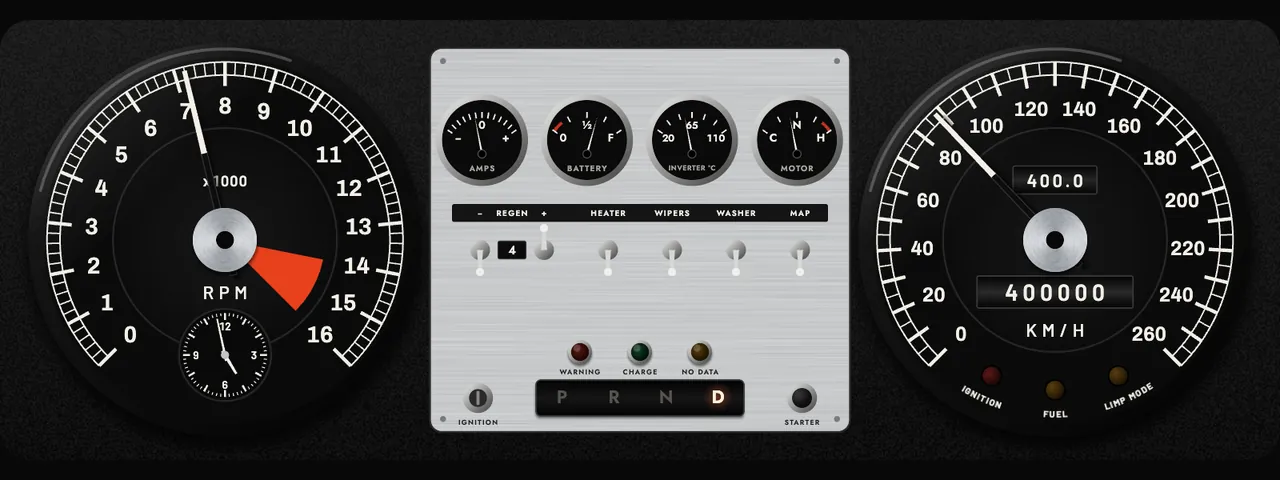
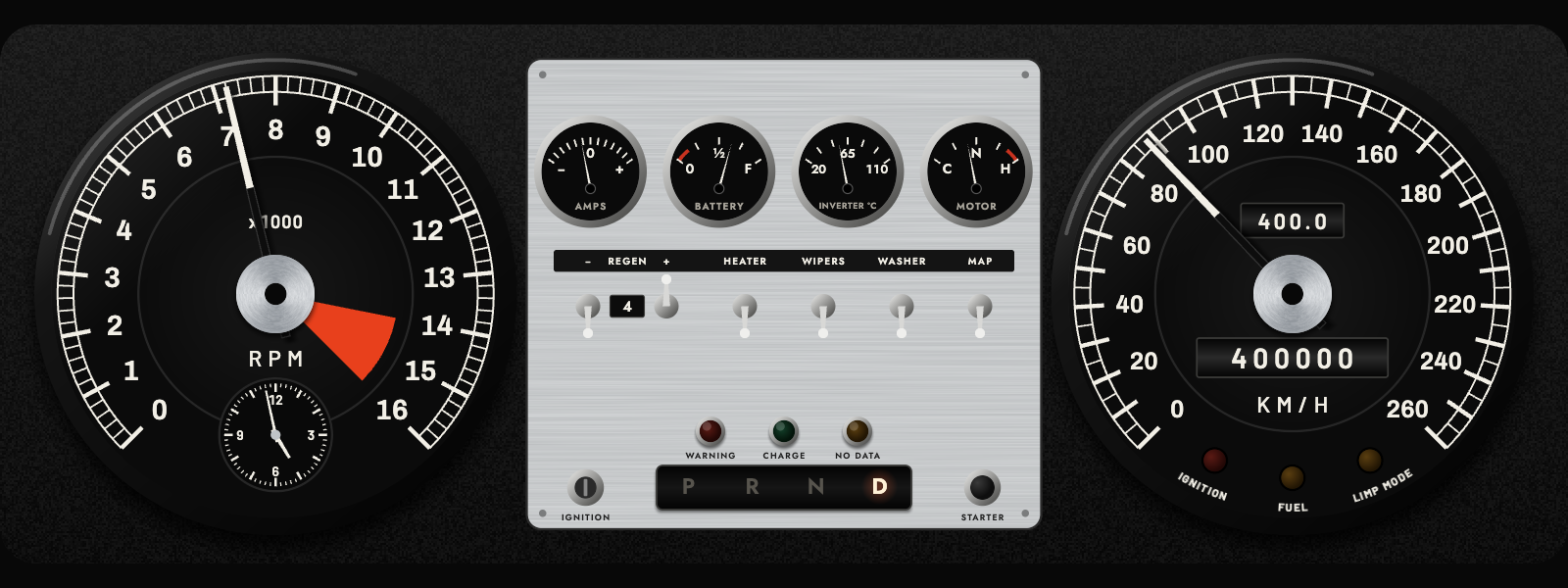
E-Type Series 1 dash: two large dials either side of a brushed aluminium switch panel
- E-Type Series 1CLUSTER · 2 PAGES
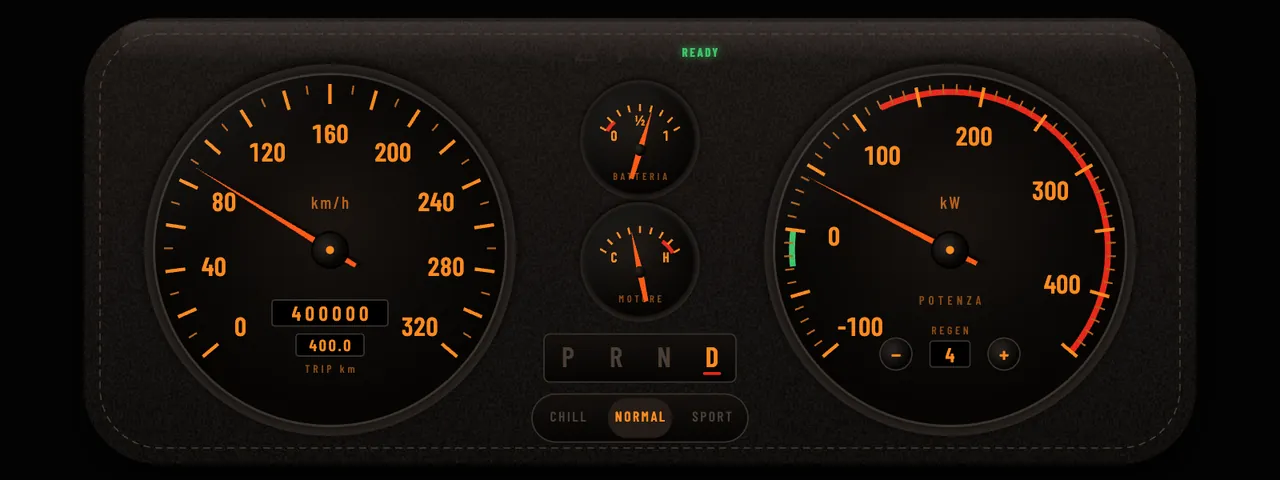
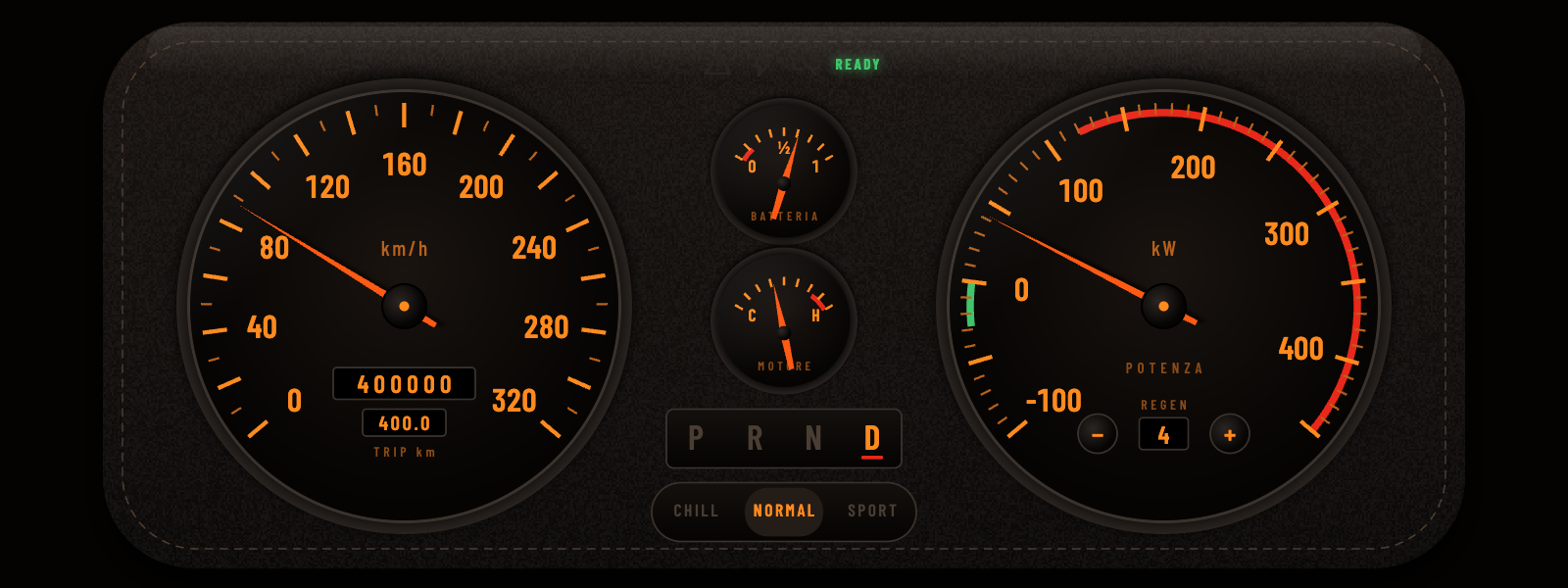
Teslarossa dash: orange-on-black dials in a stitched leather binnacle
- TeslarossaCLUSTER · 2 PAGES
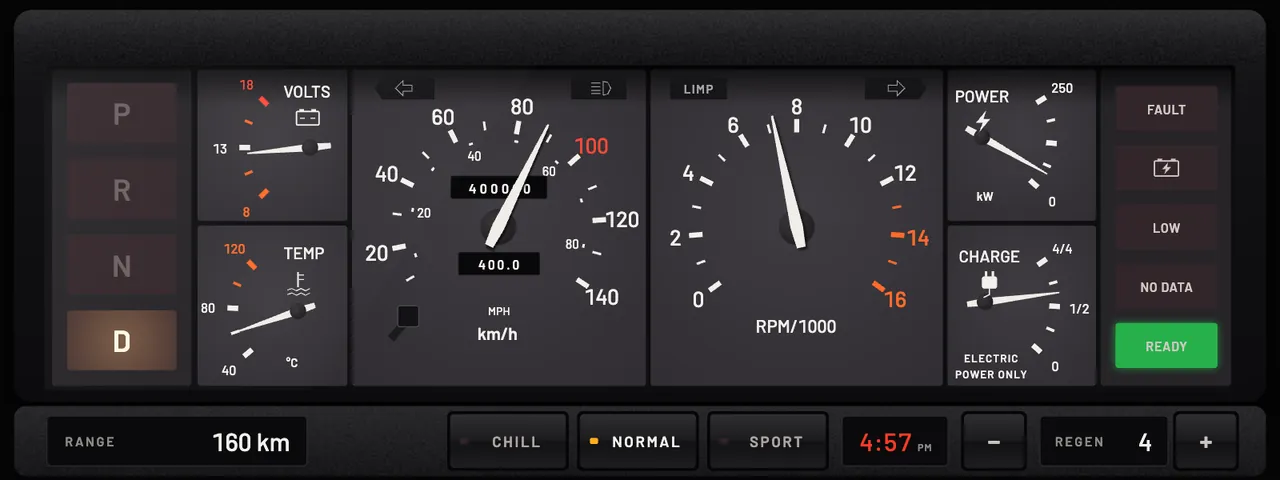
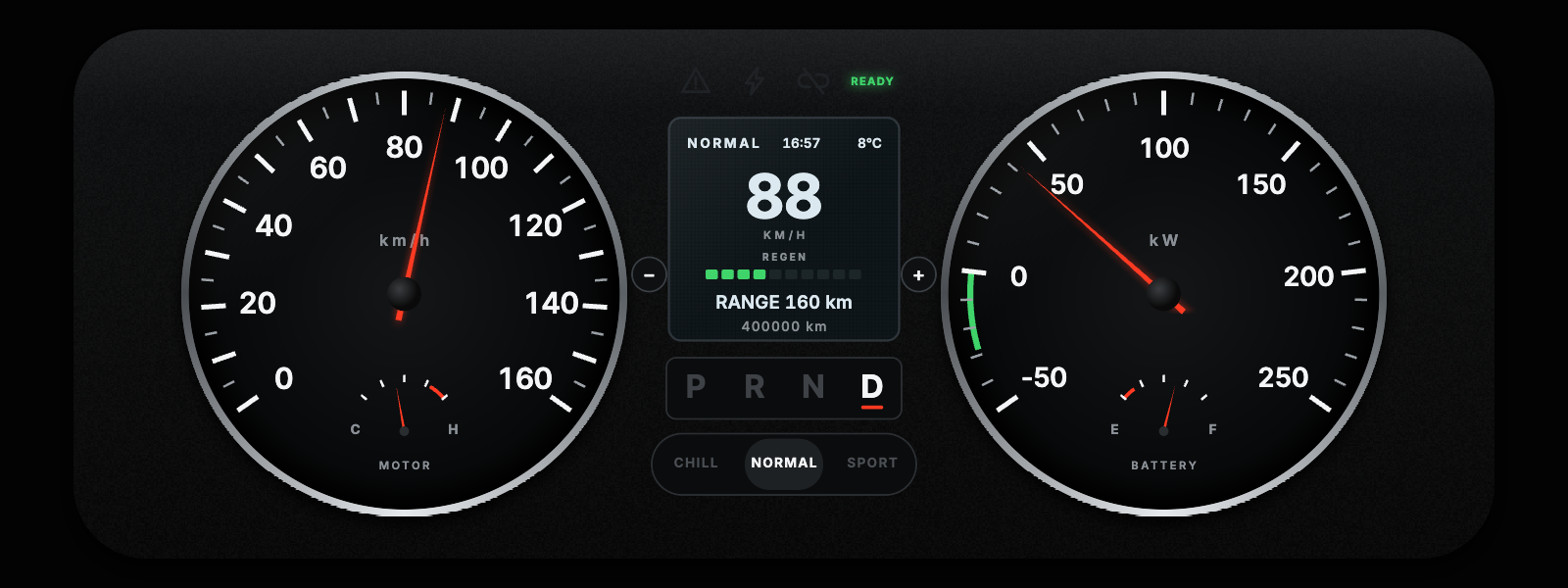
DeLorean dash: square charcoal gauge cells with a speedometer and a tachometer
- DeLoreanCLUSTER · 2 PAGES
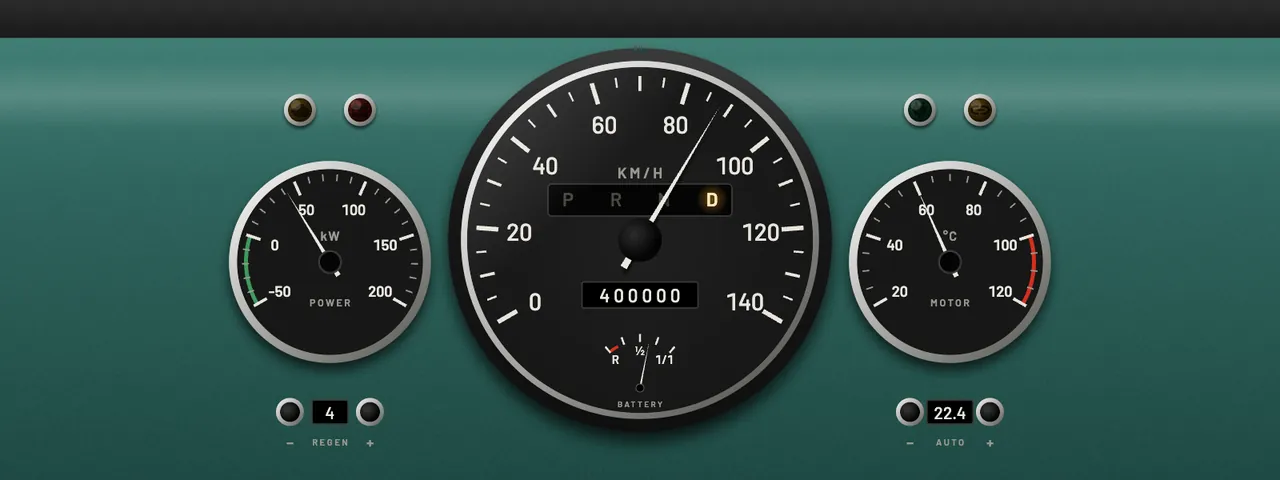
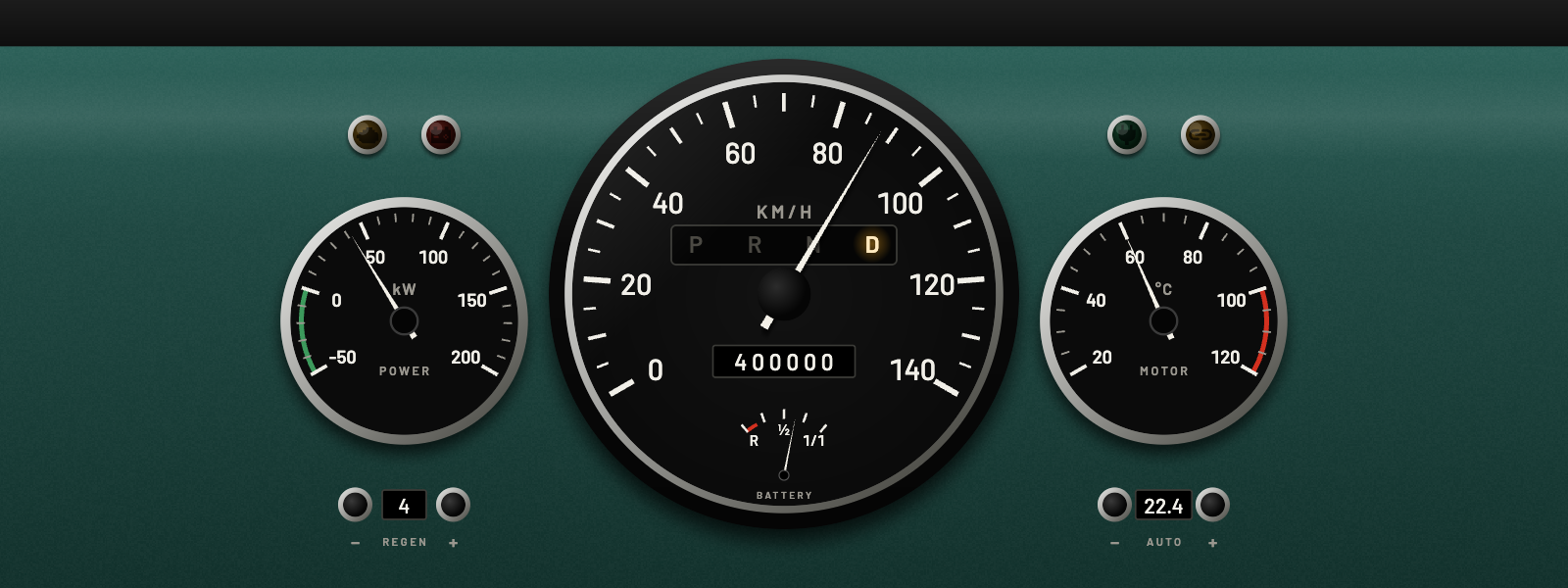
VW T2 Crew Cab dash: a large speedometer and two small pods on a green painted panel
- VW T2 Crew CabCLUSTER · 2 PAGES
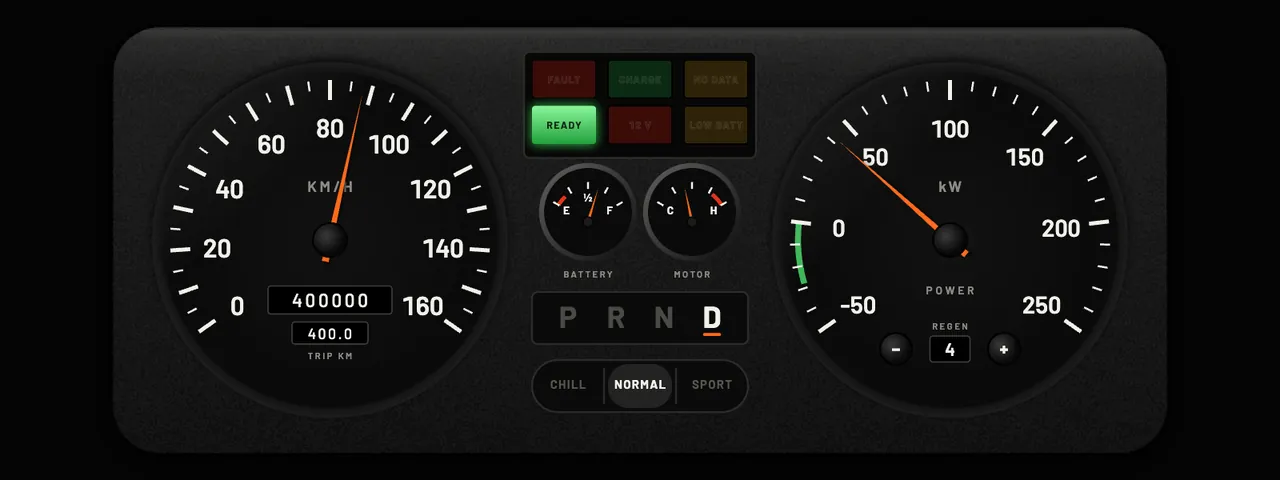
Defender Classic dash: two dials and a warning lamp panel in a black binnacle
- Defender ClassicCLUSTER · 2 PAGES
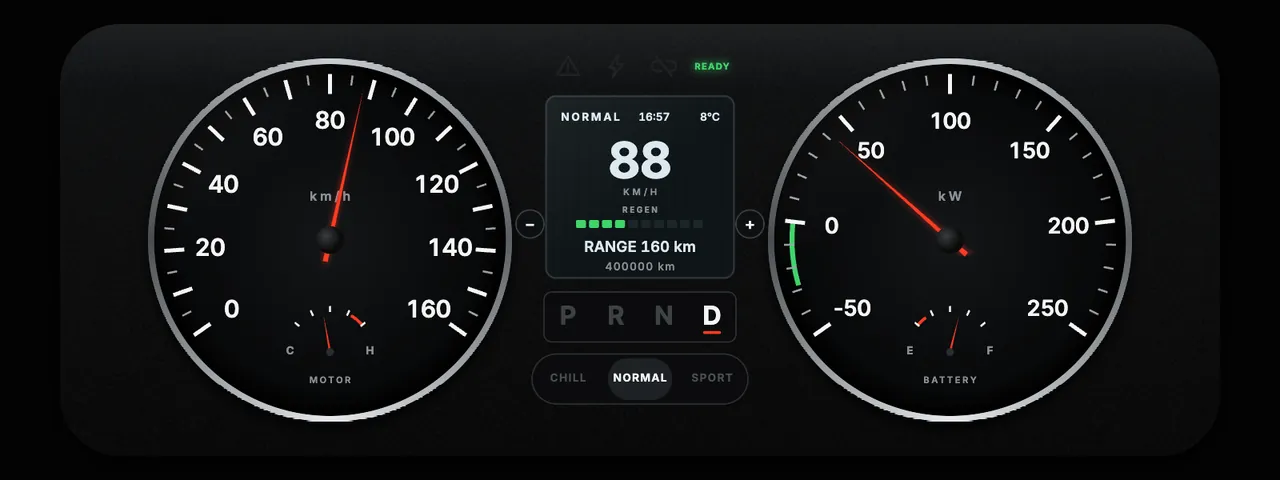
Defender Puma dash: two silver-ringed dials with a small screen between them
- Defender PumaCLUSTER · 2 PAGES
/ 04
- Pulse Studio

Built by your AI agent.

Pulse Studio is part of the Pulse desktop app. Describe the cluster you want, and your agent draws it there, checks each change against a live preview, and hands you a dash to install.

The agent checks every change against a screenshot from Studio.

YouDescribe the cluster,then point at what to fixYour AI agentClaude Code, Claude Desktopor Codex writes the dashPulse StudioDraws the dash as the car would,with simulated vehicle dataChecks in the appSpeed always visible, controlsonly on a held pressYour carThe dash runs on live datafrom the vehicleyour promptwrites the dashscreenshot backloop until it looks rightinstall · share · exportonly if it passes
  1. YouDescribe the cluster, then point at what to fix.
  2. Your AI agentClaude Code, Claude Desktop or Codex writes the dash.
  3. Pulse StudioDraws the dash as the car would, with simulated vehicle data.
  4. Checks in the appSpeed always visible, controls only on a held press.
  5. Your carThe dash runs on live data from the vehicle.
/ 05
- Get started

Build your first dash.

You need Pulse on your computer and an AI agent that can connect to Studio: Claude Code, Claude Desktop or Codex.
01

Open Studio

On your computer, open Pulse and go to Settings → Dash → Pulse Studio. Studio starts with Pulse and can only be reached from that computer.

02

Connect your agent

Studio shows a line to copy for Claude Code, Claude Desktop or Codex. Paste it into your agent. Once connected, the agent can read the dash format, the vehicle signals and four example dashes, and use Studio's tools to draw and check.

03

Ask for a dash

Paste the prompt below and fill in the brackets. Attach a photo of a cluster you like, and the agent can measure its dials and match its colours.

Prompt
Build me an instrument cluster for my [car] in Pulse Studio.

Screen: [1280 x 400 px], [frame hidden / app frame shown].
Style: [for example: 1980s digital, green segments on black].
Must show: speed, gear, state of charge, range, motor temperature.
Add: a warning lamp that opens diagnostics, and hold-to-shift gear buttons.

Read the spec and the examples first. Draw everything yourself.
Check it with screenshots at standstill, cruise, full scale and
with a fault before you call it done. Then export it.
04

The agent checks its own work

Studio renders the dash with the car's own engine and shows the agent the result. It can simulate any vehicle signal, so the agent checks standstill, full scale and a fault without a car.

05

Change it yourself

Select an element to drag, resize or recolour it, or pin a note such as "make this thinner" for the agent to work through. Undo covers the agent's changes too.

06

Send it to the car

Install it in Pulse on that computer, share it to a car or phone on the same network, or export the .ddash file. A dash that fails the app's checks does not install.
/ 06 · START

Get Pulse beta access.

Dashes run in Pulse and on the Dynam Labs MCU (coming soon). The beta is invite-only for now.

Request beta access See Pulse