PULSE.EV cluster and diagnostics app · iOS · Android · Embedded Linux · Beta
It reads the vehicle through a CAN adapter. A Dynam VCU+ is the first supported bus, and Pulse retrofits into legacy systems and other compatible modules too.
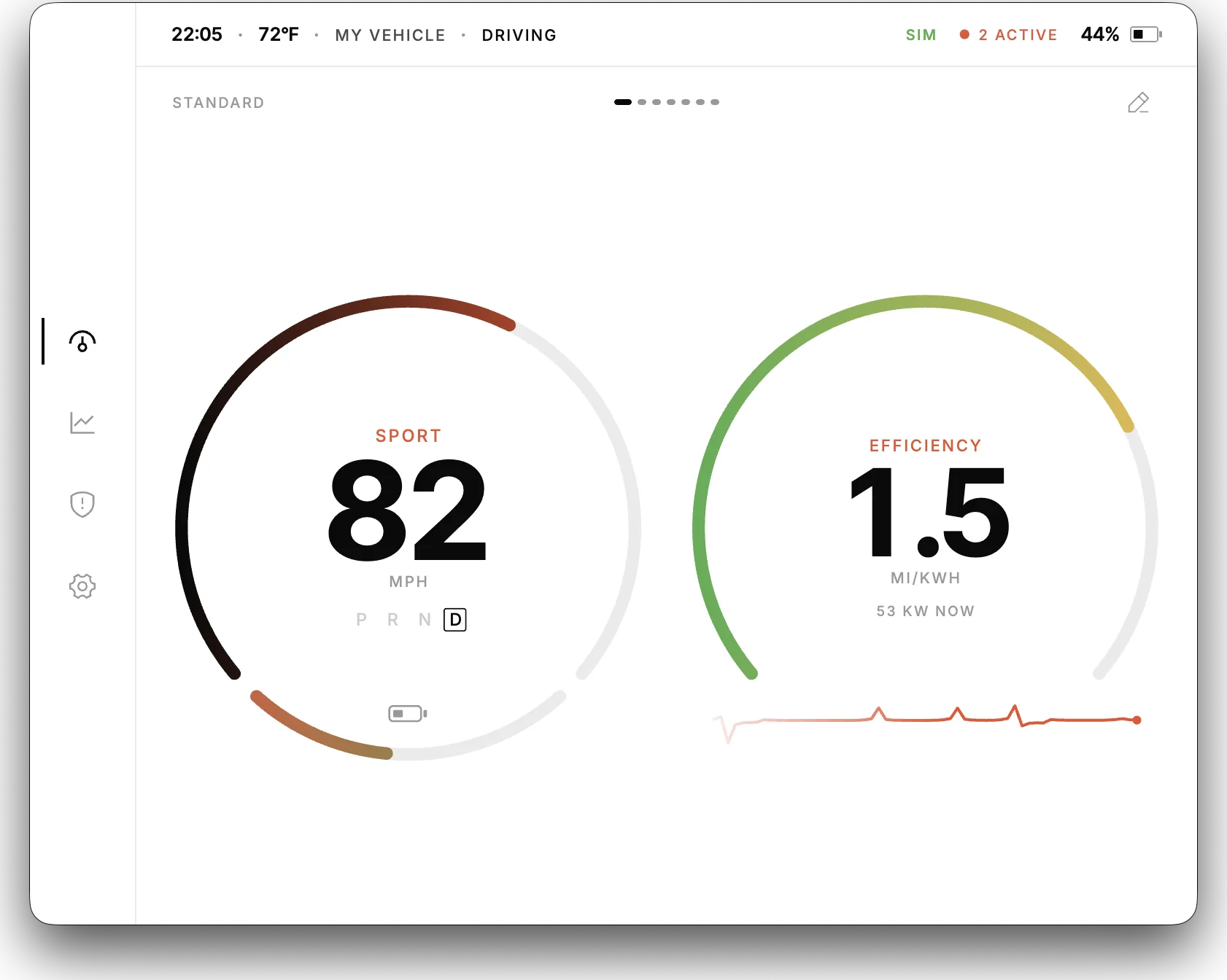
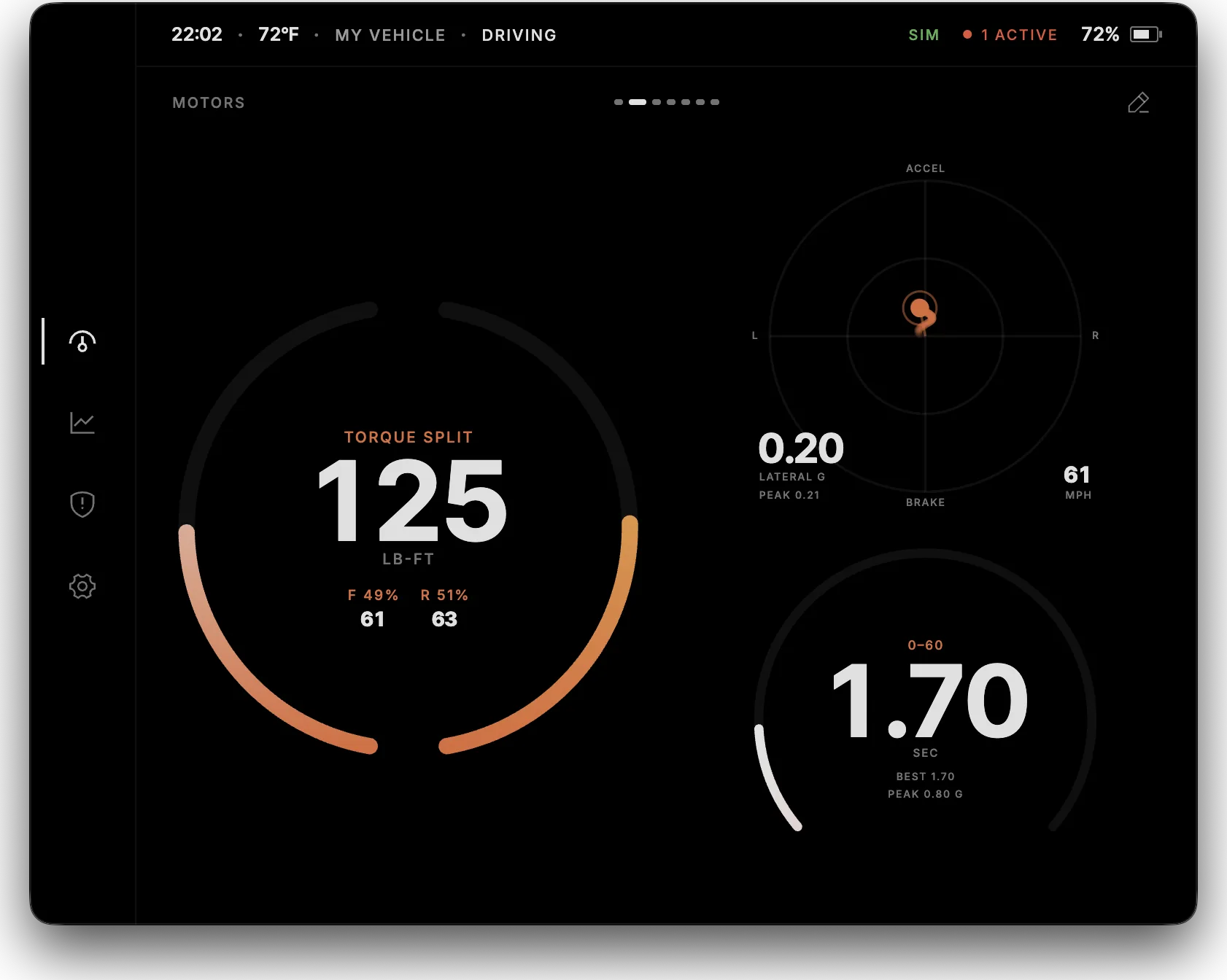
Open the simulated cluster in its own tab. This web demo is not indicative of real app performance.
Open demoSeveral themes. Or your own.
Pages you can rearrange.
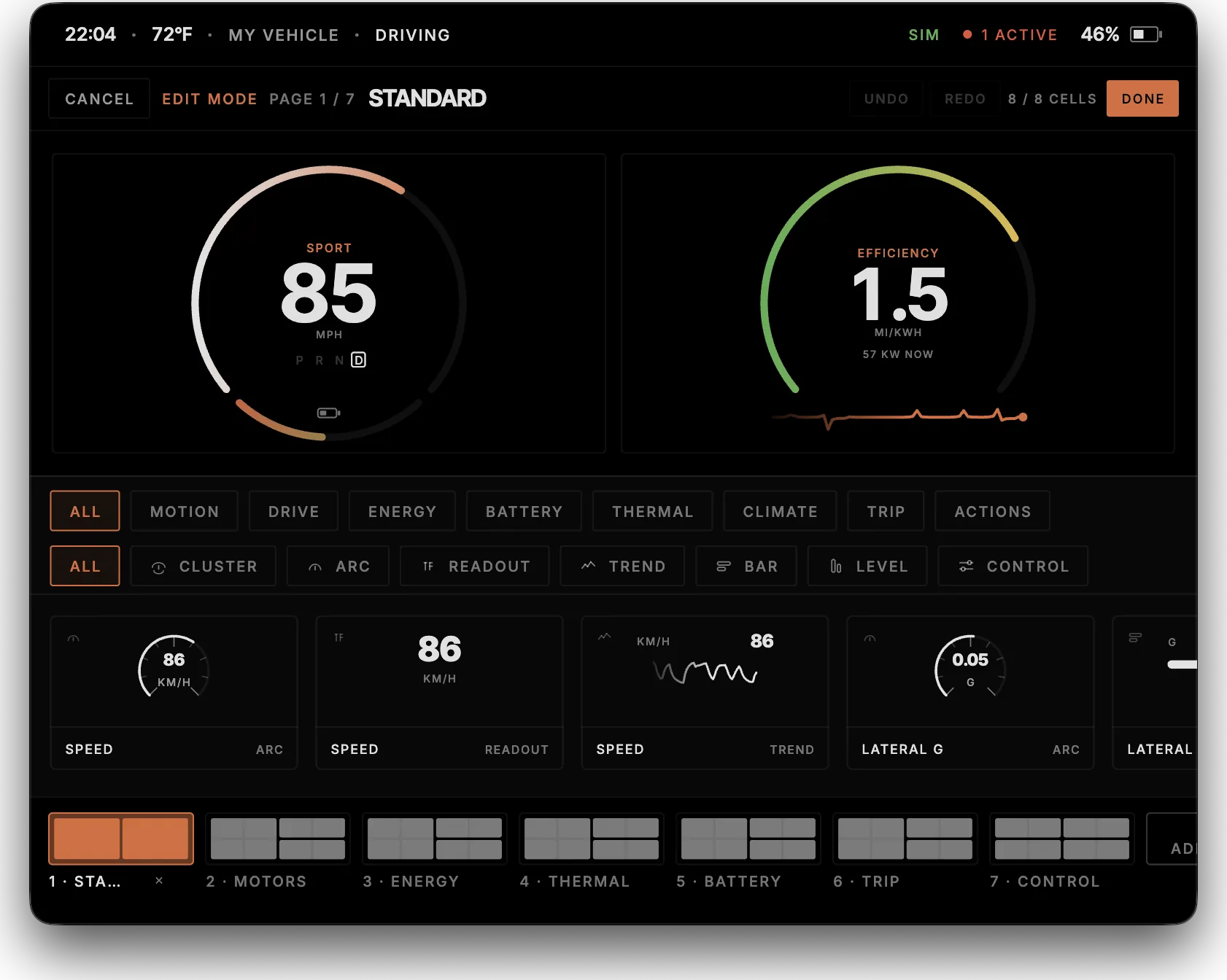
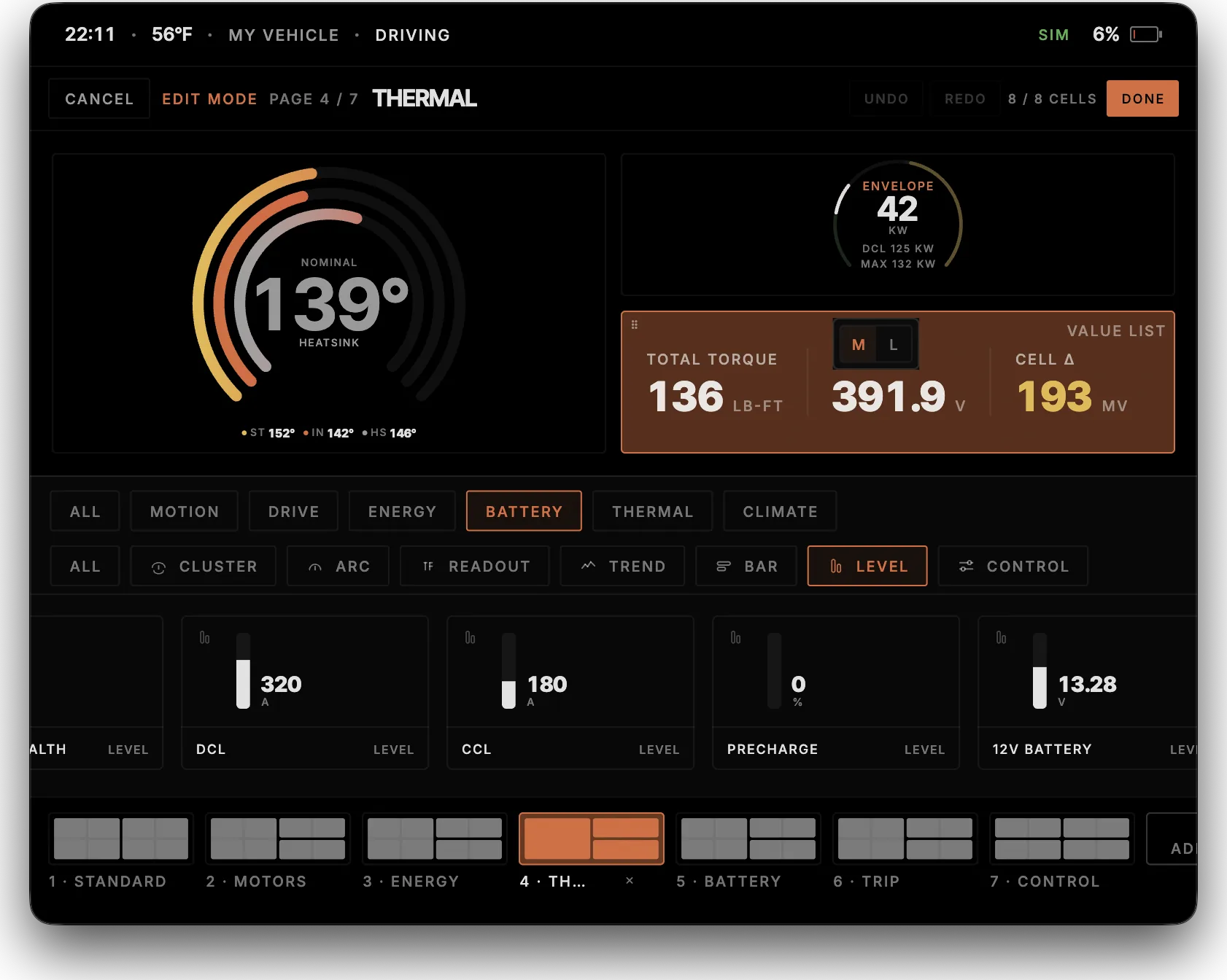
Pages
Add, rename and swipe. 4×2 grid, 8 tiles each, S / M / L.
Signals
Speed, torque, SoC, temps, G, pack, and GPS.
Variants
Arc, readout, bar, level or trend. Same signal, five drawings.
Cluster dials
Composite tiles: drive, power, dual motor, launch, cell health.
Dual motor
Primary and secondary RPM, torque split, and a dual-motor dial for AWD.
Motion
GPS from the VCU and the phone IMU make G-force without a chassis IMU.
On the cluster
Gear, Chill / Normal / Sport / Valet, and regen drop onto a dash page.
Garage
More than one vehicle profile. Switch in settings.
Every drive, and every cell.
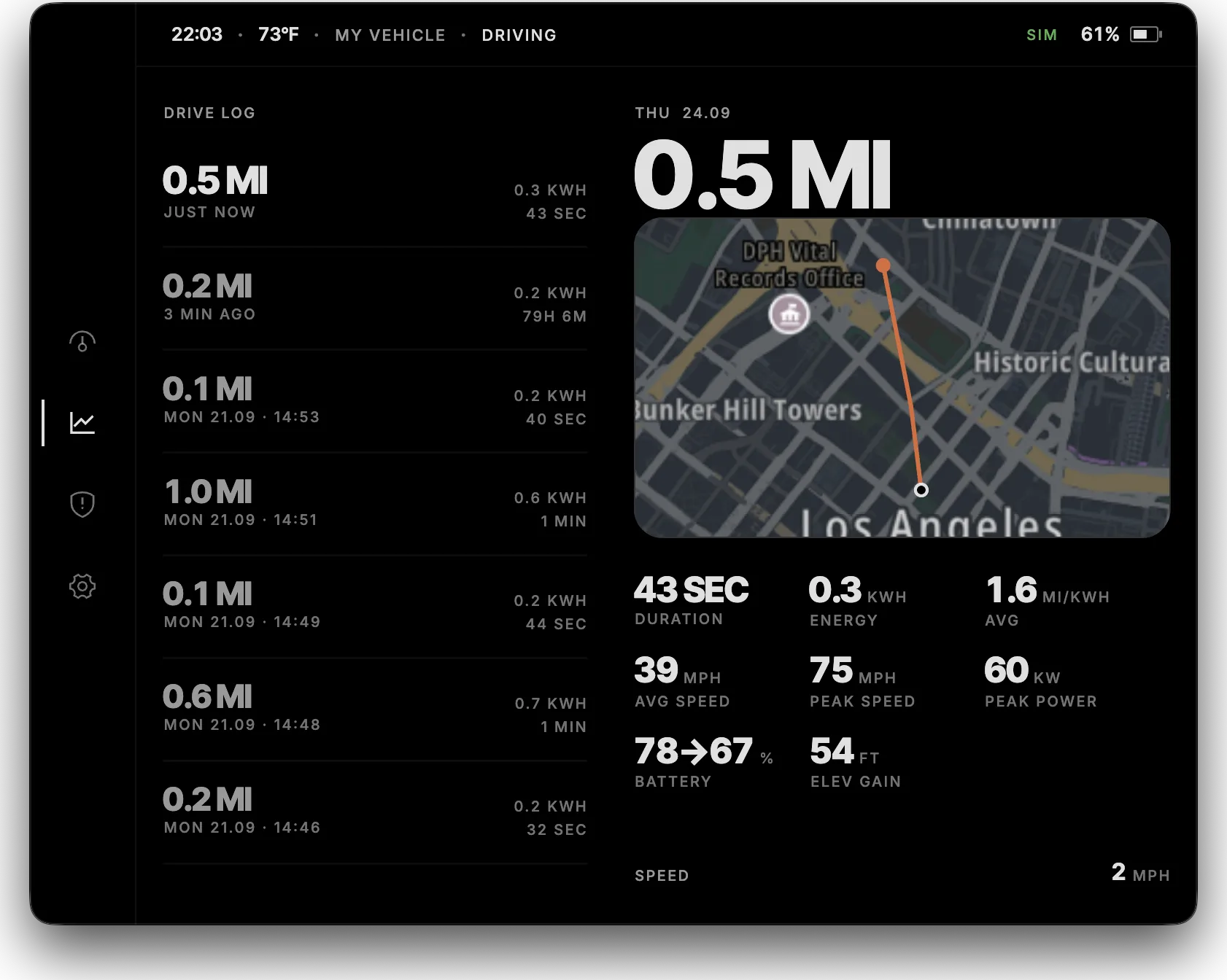
Kept on the device.
Distance, energy, and state of charge for each trip, stored on the device. With Cloud Connect on, you pull that log from Dynam Cloud.
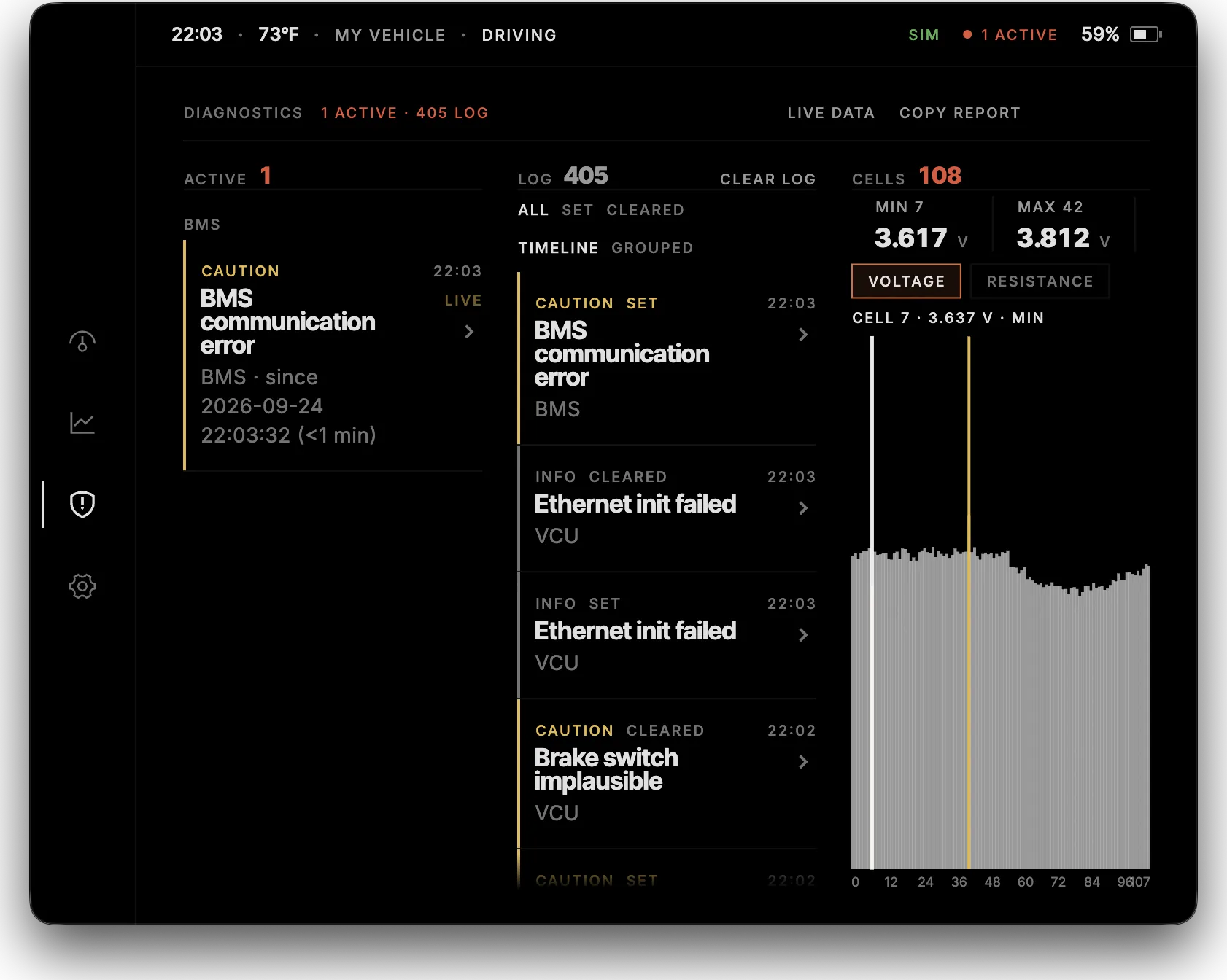
The weak cell, next to the fault.
Active faults, with severity and whether the car can still be driven, plus a journal of what set and cleared. Beside that, a bar for every cell: voltage or internal resistance, min and max called out.
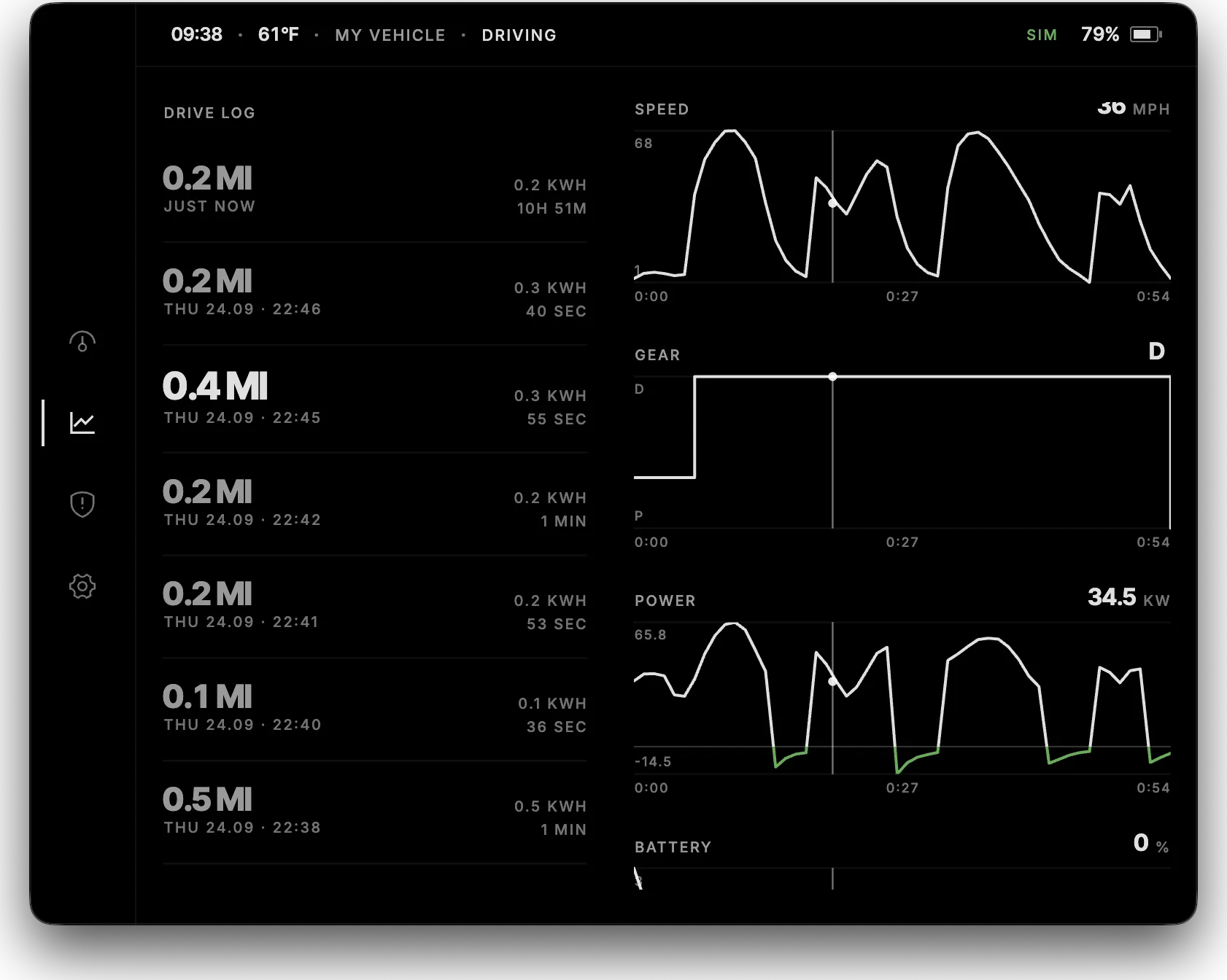
Scrub the whole drive.
Logged once a second for the whole trip. Drag through it and speed, gear, power, battery, elevation, and temperature stay on the same moment. Longer trips are averaged on the chart. More data adds pedal, torque, RPM, pack voltage, and cell min and max.
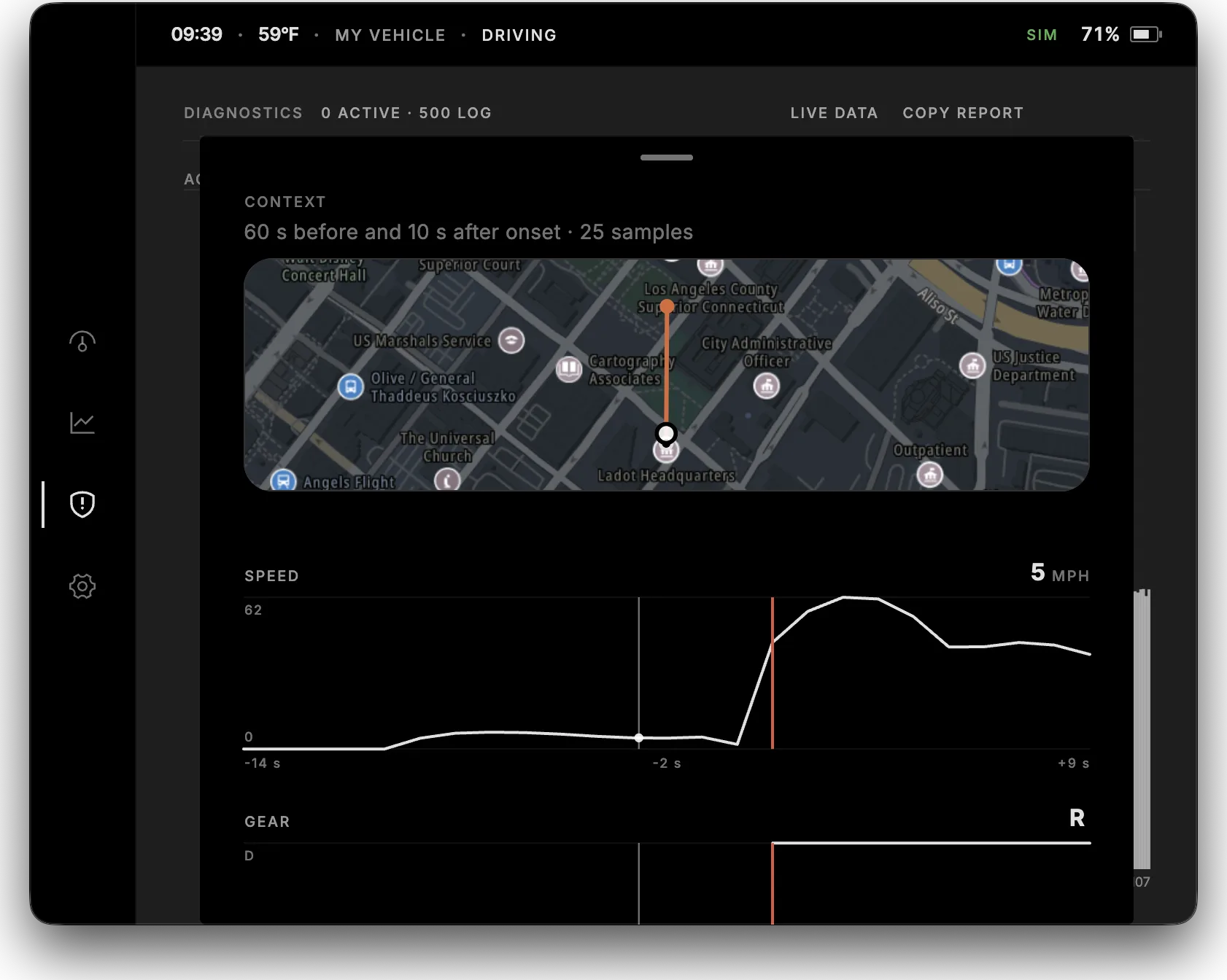
The window around the fault.
An onset keeps 60 seconds before it set and 10 seconds after, one sample a second. Scrub the map and the same channels through that snapshot. It stays on the device. With Cloud Connect on, Pulse also sends you the snapshot.
Cluster
Add pages, hold to edit, and drag tiles onto a 4×2 grid.
Vehicle
Hold-to-confirm unlock, climate, charge port and valet. Gear, drive mode and regen can sit on the cluster too.
Drive log
Each trip stays on the device. Open it and scrub the log. With Cloud Connect on, you can pull that log.
Diagnostics
Active faults, what set and cleared, a snapshot around each onset, and a bar for every cell.
Settings
Garage for more than one vehicle, appearance, units and data wipe.
Cloud
Turn Cloud Connect on and you see state of charge, range, position, and faults. A fault snapshot shows up when it seals.
Bring your own screen.
iOS · iPadOS
Connects to a MeatPi WiCAN over Bluetooth, or over Wi-Fi, where the phone joins the dongle network. There is no USB CAN path on iOS.
Android
Same Bluetooth and Wi-Fi paths, plus a hardwired CANable or USB SLCAN adapter for an always-on head unit install.
Embedded Linux
A dedicated dash or in-car computer. USB SLCAN to the bus. The same hardwired path as Android, without a phone in the cradle.
Dedicated hardware is coming.
Dynam Link is the always-on telematics unit in development. See it on Cloud. Third-party adapters stay supported either way.